Gothic 1 Remake Patch Notes: Version 1.0.3 & Hotfixes
The current verified Gothic 1 Remake patch line is version 1.0.3, followed by July hotfixes for audio and other release issues. This guide turns scattered announcements into a dated, platform-aware timeline and shows what to verify before you blame a save, mod or old build.
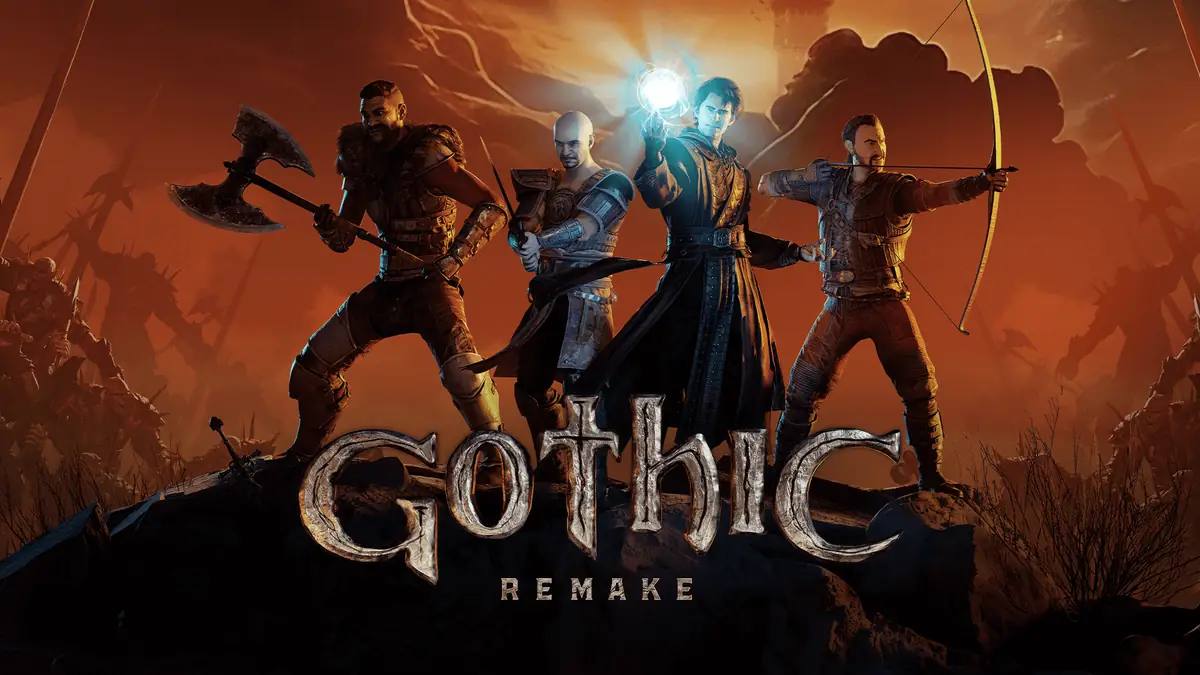
Official Gothic 1 Remake key art. The patch timeline below was checked against first-party announcements on July 29, 2026.CURRENT STATUS
What is the latest Gothic 1 Remake patch?
The latest stable version found in first-party announcements is Gothic 1 Remake 1.0.3, released on July 2, 2026. A July 10 hotfix announcement asked PC players to verify build CL 170775 and described audio, dialogue-camera and quest corrections. On July 14, the studio announced another audio and sound hotfix for all platforms. Check the official developer news feed before treating this page as newer than the source.
The important distinction is channel, not just date. The July 12 public-testing branch was an optional Steam test for audio changes; it was not a newer stable patch for every PC player and it was not a PS5 or Xbox download. Console owners should use the normal platform update channel. PC players who joined public testing should return to the default branch after the fix reaches stable unless the developer says otherwise.
This page does not guess the next patch date, promise that every fix behaves identically on every platform, or copy unverified build numbers from community posts. It records what a first-party announcement supports, then gives repeatable checks for players whose game still shows an old symptom.
VERSION TIMELINE
Gothic 1 Remake update and hotfix timeline
Use the date, channel and status together. A public-testing build and a stable console update are not interchangeable even when they address the same sound problem.
Date
Release or channel
Verified status
Player takeaway
July 2, 2026
Patch 1.0.3
Stable release
Use 1.0.3 as the stable version baseline before comparing older reports.
July 10, 2026
Hotfix / CL 170775
PC build verification named
Check the PC build when audio, dialogue camera or the referenced quest issue persists.
July 12, 2026
Steam public-testing branch
Optional test channel
Do not describe this as a required PS5/Xbox patch or the default stable branch.
July 14, 2026
Audio and sound hotfix
Announced for all platforms
Restart the platform client, download pending updates and retest a clean save point.
July 29, 2026 check
No newer stable number verified
1.0.3 remains the verified baseline
Use first-party news and platform history before repeating a newer number.
FIX CATEGORIES
What version 1.0.3 and the July hotfixes changed
The July patch sequence focused on release problems rather than rewriting the game's core design. First-party notes referenced audio and sound, dialogue-camera behavior and a quest correction. That means a player should retest the exact broken scene after updating instead of assuming a general performance patch fixed every stutter, crash or balance complaint.
Patch notes are most useful when grouped by symptom. Audio fixes cover missing, incorrect or inconsistent sound behavior. Dialogue-camera fixes concern framing during conversations, not combat camera preference. Quest fixes apply to named progression states and do not guarantee that every older save automatically repairs itself. Build verification confirms what code you launched; it does not prove that mods, corrupted files or a stale configuration are harmless.
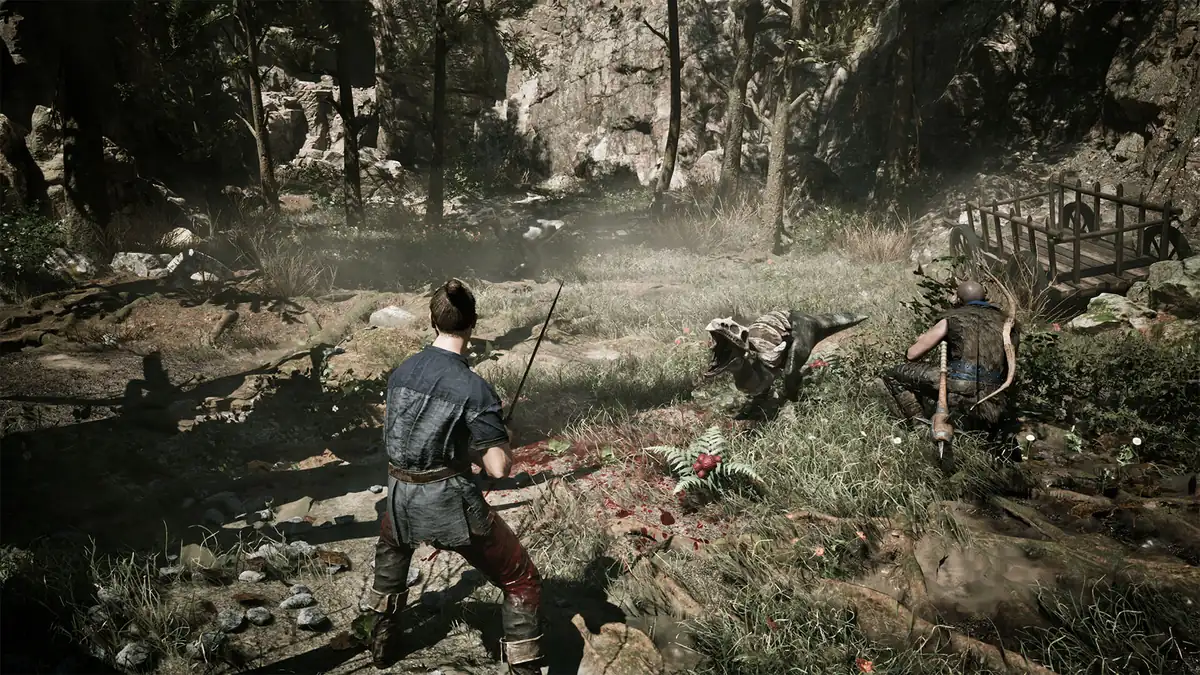
Official game screenshot, cropped and compressed for editorial use. Retest the same scene and conditions after a patch; a general screenshot cannot prove a specific fix.
Audio and sound
Retest the same location, dialogue and output device after the July 14 all-platform hotfix.
Dialogue camera
Compare the same conversation after verifying the build; do not confuse framing with combat camera settings.
Quest state
Load a save before the blocked step when possible and record the quest stage if the problem remains.
PLATFORM CHANNELS
PC, PS5 and Xbox do not use the same update workflow
On PC, Steam exposes branch choice, file verification and a visible build history, so a player can accidentally remain on public testing or carry changed files from a mod. Return to the normal branch, let Steam complete the download, verify files and launch once without optional mods before comparing results. The mods guide explains why a mod date must be checked against the current patch.
PS5 and Xbox Series X|S use platform-managed updates. There is no reason to copy Steam public-testing instructions onto a console. Close the game fully, check the platform's update history, confirm the download finished and restart the console if the installed version appears stale. The PS5 guide separates store-confirmed features from claims that still need current technical evidence.
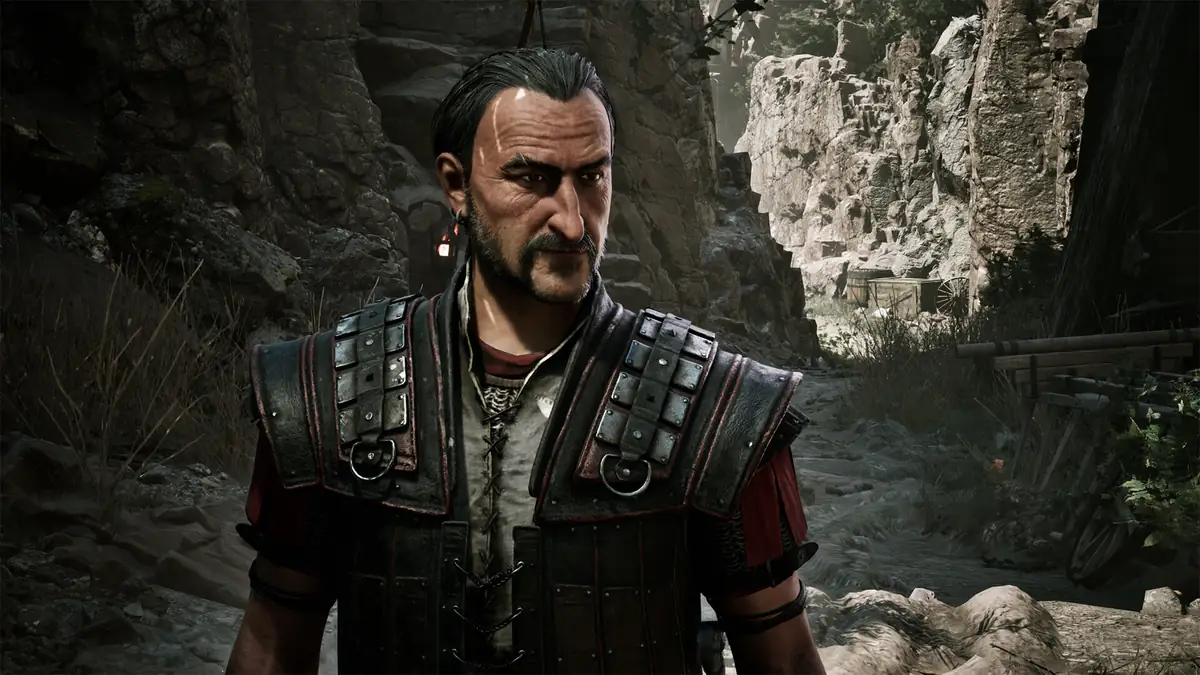
Official Colony screenshot. The game content is shared, but Steam testing, PlayStation updates and Xbox updates are different delivery channels.SAFE VERIFICATION
Five checks before and after installing a Gothic 1 Remake update
A patch can change files, scripts and quest behavior while your save and local settings remain from an older session. A short verification routine makes a bug report much more useful and protects you from deleting the wrong evidence. Keep a manual save before a major quest turn, record the version, and change only one variable at a time.
Do not download unofficial executables that claim to be a patch. Gothic1Remake.blog is a guide site and hosts no game files. Use Steam, PlayStation or Xbox update delivery and link to the developer announcement when you need to show which release you installed.
1
Record the baseline
Note platform, stable/test branch, displayed version, build when available and the exact symptom.
2
Protect saves
Keep a manual save before the affected quest or dialogue and avoid overwriting every earlier slot.
3
Install officially
Finish the platform update, return to the default branch and allow the client to restart.
4
Retest cleanly
Disable optional mods where safe, verify files on PC and reproduce the same steps once.
5
Report evidence
Share version, platform, save timing, steps, expected result and actual result without guessing a cause.
PATCH WORKFLOW
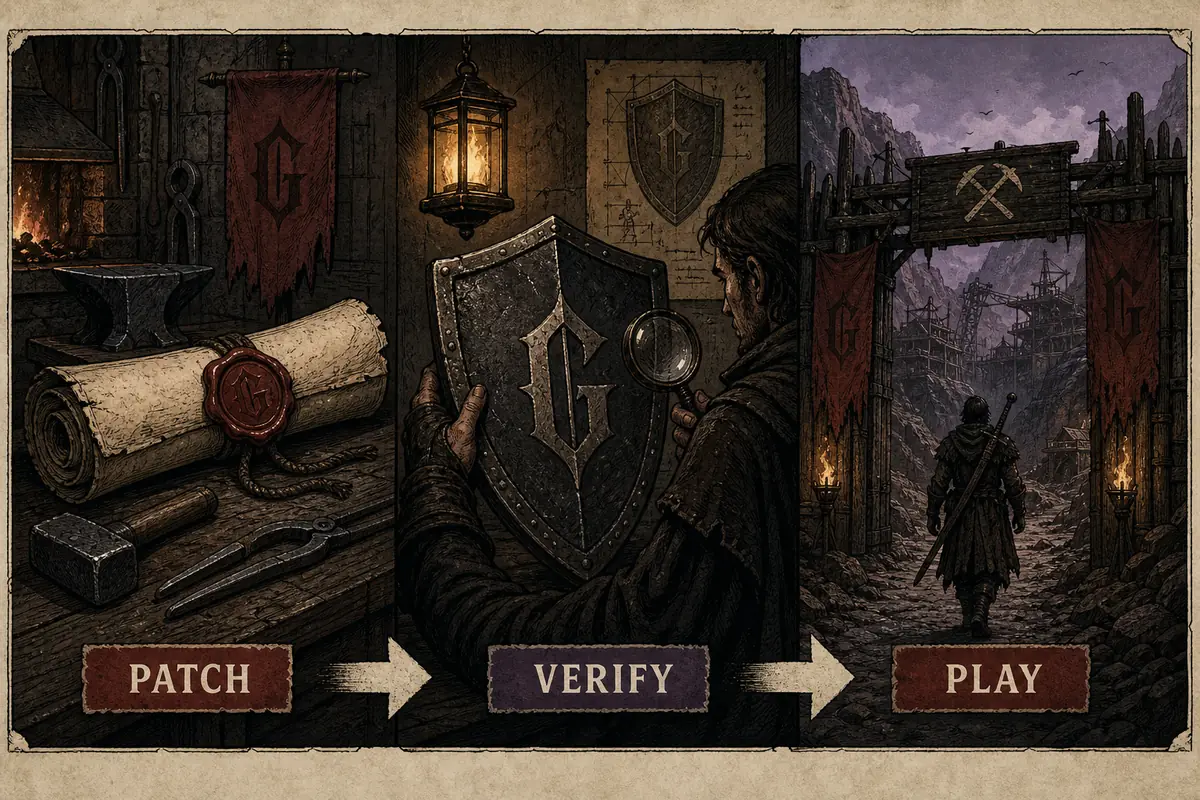
Patch, verify, then return to the Colony
The practical sequence is simple: install through the official channel, verify that the intended stable build is active, then replay the precise scene that failed. This separates a real regression from an unfinished download, public-testing mismatch, mod conflict or save that already stored a broken quest state.
If the symptom disappears, note the patch and move on. If it remains, keep the save and evidence instead of repeatedly changing settings. One clean reproduction is more valuable to support than a long list of speculative fixes.
Editorial illustration generated for this guide; it is not gameplay or an official interface. The full verification sequence remains in the HTML steps above.BUG REPORTING
How to tell a patch regression from an old or local problem
A regression is strongest when the same save and action worked before an update and fails after it, with platform and version recorded. An old issue is a report made against a previous version without a current retest. A local problem may involve incomplete files, a test branch, changed configuration, a mod or a save state created after the quest had already broken.
Start with the smallest reproducible case. State where you are, the quest or dialogue, the action taken and the result. Include platform, stable/test channel and version. Mention mods without assuming they caused the fault. For performance reports, add hardware and settings from the system requirements guide; for progression order, compare the walkthrough route.
Likely regression
Same scene, same save and clean setup changed directly after the verified update.
Needs a retest
Report names an old patch, omits platform/build or never repeats the scene after updating.
Possible local conflict
Public testing, modded files, incomplete verification or a previously damaged quest state remains.
LIMITS
What this patch tracker cannot confirm yet
No verified first-party source found in this check announced a stable version newer than 1.0.3 or a date for the next patch. A Steam depot change, community screenshot or unlabeled video is not enough to promise a public release. This page will keep the current stable number separate from test branches and platform hotfix delivery.
A changelog also cannot guarantee that an existing save recovers, that all platforms receive an update at the same minute, or that one fix resolves every similar symptom. Use the official announcement as the fact, the platform history as delivery evidence and your controlled retest as the result.
CONTINUE TROUBLESHOOTING
Use the patch status with these Gothic 1 Remake guides
Check quest order and save timing when progression still appears blocked.
PATCH NOTES FAQ
Gothic 1 Remake Patch Notes FAQ
What is the latest Gothic 1 Remake patch?
The latest stable version verified from first-party announcements is 1.0.3, released July 2, 2026, followed by July hotfixes including an all-platform audio fix announced July 14.
When is the next Gothic 1 Remake patch?
No verified next-patch date was found during the July 29 check. Follow the official developer news feed and platform update history rather than an uncited countdown or depot change.
Is the Steam public-testing branch the latest stable update?
No. The July 12 public-testing branch was an optional Steam test channel for audio changes. It should not be described as the default stable PC build or a console patch.
Do I need to start a new save after patch 1.0.3?
A universal new-save requirement was not verified. Keep a manual save, update through the official channel and retest. A quest state already stored as broken may behave differently from a save made before the affected step.
How do I check for the Gothic 1 Remake update on PS5 or Xbox?
Close the game, use the console's normal update/history controls, let the download finish and restart if the installed state looks stale. Do not follow Steam public-testing instructions on a console.
Where should I report a bug after the latest hotfix?
Use the developer's official support or community channel and include platform, version/build, stable or test branch, save timing, exact reproduction steps, expected result and actual result.