Gothic 1 Remake Xbox Guide: Series X|S Facts Before You Buy
The Gothic 1 Remake Xbox version is available for Xbox Series X|S. This guide separates confirmed platform facts from claims the public store pages do not make, then gives you a practical buying, demo and update checklist.
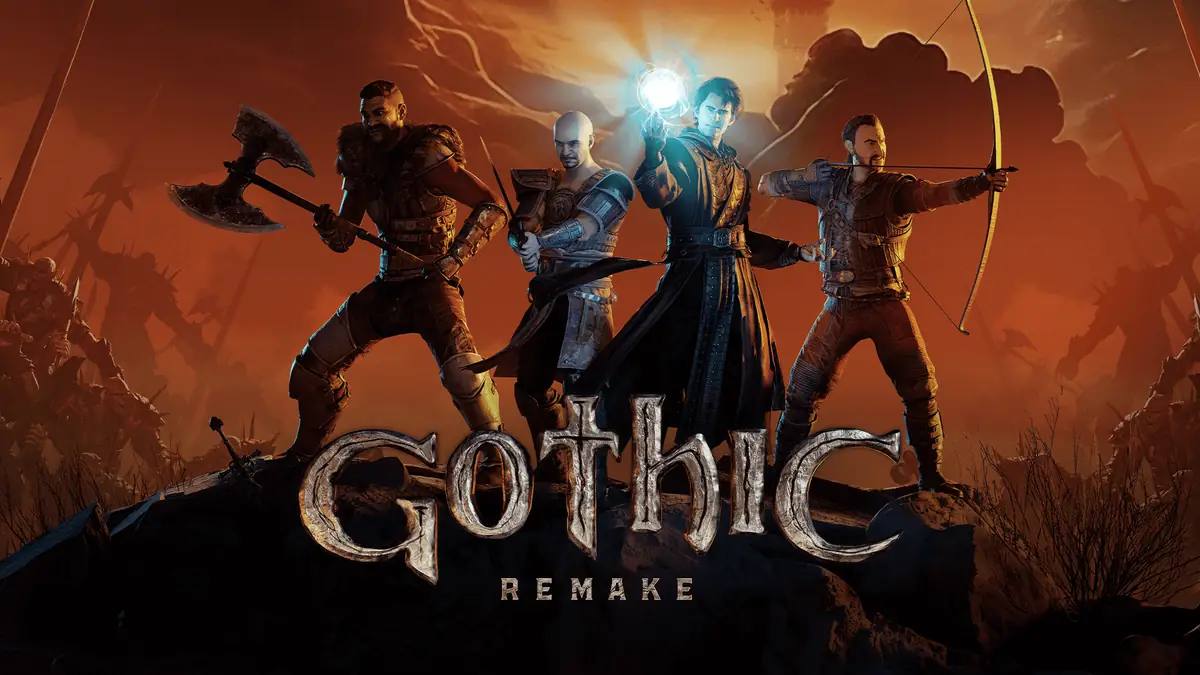
Official Gothic 1 Remake key art. It identifies the game but is not evidence of Xbox resolution or frame-rate settings.quick answer
Is Gothic 1 Remake on Xbox Series X|S?
Yes. THQ Nordic's June 5, 2026 release announcement lists PC, PlayStation 5 and Xbox Series X|S, and the official game site links to an Xbox purchase route. The Xbox version is therefore a real current platform option, not a rumoured port. Use the official Xbox link for the edition, price and regional availability shown to your account.
The more useful question is whether Xbox fits your setup. The public first-party pages confirm the platform and the game's single-player RPG context, but they do not promise a universal 60 fps mode, a specific resolution, Smart Delivery behaviour, Game Pass inclusion or identical Series X and Series S settings. Those details can change with patches and region, so this page marks them as checks rather than guarantees.
For a living-room player who wants a managed console install, Xbox is a sensible route. PC remains the flexible choice for graphics settings, file access and community mods, while PS5 adds DualSense features documented on its store page. The story, camps and demanding Colony remain the same; the platform choice mainly changes how you buy, update, control and troubleshoot the game.
verified platform facts
Gothic 1 Remake Xbox facts and open checks
The confirmed column uses the official game site, the launch announcement or an official platform listing. An open check is deliberately not filled with a guessed specification.
Question
Confirmed answer
What to check next
Is there an Xbox version?
Yes. The launch announcement names Xbox Series X|S.
Open the regional Xbox listing through the official publisher route.
Is it an Xbox One game?
The first-party announcement specifically says Xbox Series X|S.
Do not assume Xbox One support unless the store page for your account says so.
Is 60 fps guaranteed?
No public first-party promise was found in the checked sources.
Check current console footage and in-game display options after updates.
Is the game in Game Pass?
The checked sources do not establish ongoing subscription availability.
Search the current Xbox store or Game Pass catalogue before subscribing.
Is Smart Delivery confirmed?
No Smart Delivery claim was visible in the sources checked for this guide.
Read the product page attached to your account before buying a second edition.
Is there an Xbox demo?
An official Xbox Demo listing is available, with regional availability controlled by Xbox.
Use the official demo page and check that the install button appears in your region.
Can Xbox use PC mods?
Do not assume PC file mods work on a console installation.
Use only platform-supported add-ons or official updates.
what is confirmed
The Xbox Series X|S version is official, but the store page is the final source
The publisher announcement is the cleanest platform evidence: Gothic 1 Remake launched on PC, PlayStation 5 and Xbox Series X|S on June 5, 2026. The official Gothic site keeps an Xbox-specific link beside its Steam, GOG and PlayStation routes. That is enough to answer availability without guessing at a hidden product identifier or relying on a reposted screenshot.
Platform pages are regional and can change their price, edition labels, age rating, language list and service badges. Treat the page attached to your Microsoft account as the buying authority. A guide can explain what to inspect, but it should not copy a price from another country or turn a temporary store badge into a permanent promise.
The game itself remains a single-player role-playing game set in the Valley of Mines. Xbox ownership does not turn it into a multiplayer title, and a console install does not remove the need for manual saves, cautious scouting or deliberate faction choices. Those decisions belong in the beginner and faction guides linked below.
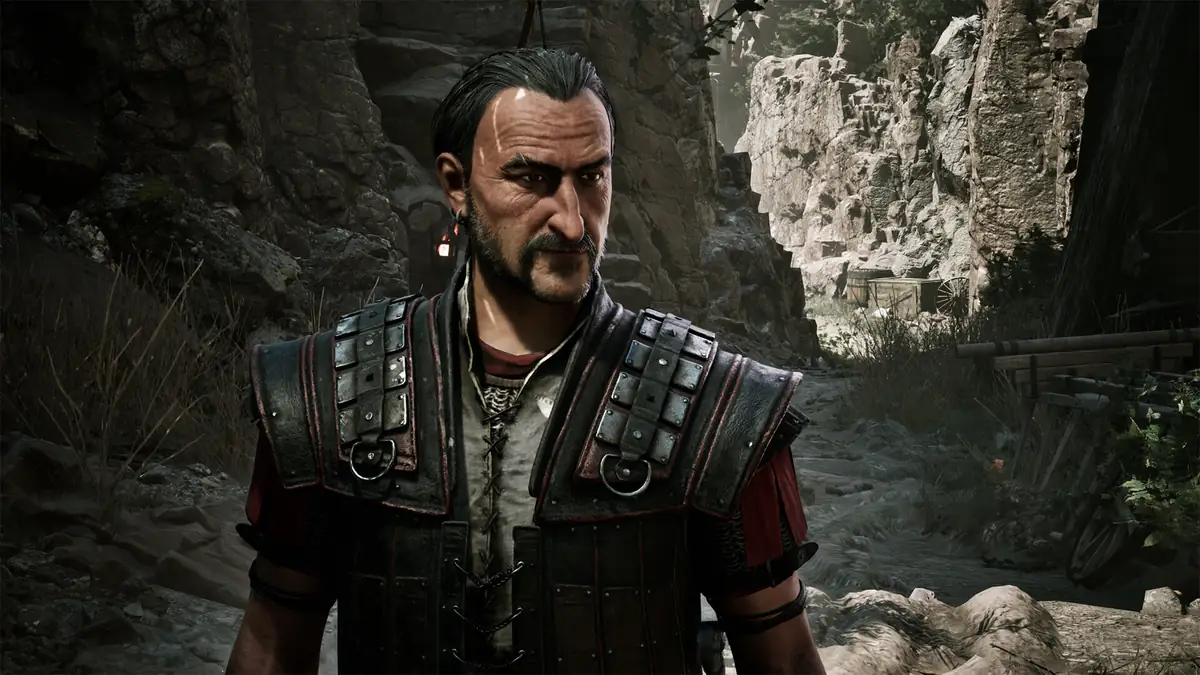
Official Colony screenshot. It illustrates the shared game world, not a measured Xbox resolution or performance mode.
Confirmed
Xbox Series X|S is listed as a launch platform by THQ Nordic, and the official game site provides an Xbox route.
Check locally
Price, edition, languages, service badges and demo availability depend on the current regional store page.
Do not assume
A guaranteed frame rate, Smart Delivery, Game Pass access or Xbox One compatibility when the listing does not state it.
series x and series s
What to verify on Series X versus Series S
The Similarweb candidate set contains the broad Xbox query but no reliable question row for a Series X versus Series S specification. That is a useful boundary: a high-volume platform phrase does not authorise an invented console comparison. Read the current product page, then look for recent footage that names the console, patch and display mode before you make a performance decision.
Series X owners may have more hardware headroom, while Series S owners may value a smaller entry price and a compact setup. That general hardware distinction is not the same as a confirmed Gothic 1 Remake mode list. Keep the two ideas separate and record the actual options visible after installing the game.
Use the following routine when a technical claim matters to you. It turns a vague 'does it run well?' search into evidence you can reproduce on your own console.
1
Open the current listing
Check the edition, platform badge, language list, price and any service label shown to your account.
2
Install the official demo
If the Xbox demo button is available in your region, use it to test controller feel and display comfort before buying.
3
Read the update notes
Compare a technical complaint with the patch date. A launch review can describe a state that later updates changed.
4
Test your own display
Check motion, text size, HDR and input response on the television or monitor you actually use.
platform choice
Xbox vs PC and PS5: which version fits your play style?
Choose Xbox when you already use the Microsoft ecosystem, want a straightforward console install and prefer playing the Colony from a sofa or television. The value is convenience and account continuity, not a special quest route. Keep your saves organised because the game's harsh progression still makes a bad manual save expensive.
Choose PC when adjustable graphics settings, hardware upgrades, troubleshooting files or community mod workflows matter. The existing system requirements guide is the right place to test that route. Choose PS5 when DualSense vibration and trigger effects, a PlayStation library and the platform's accessibility listing are more useful to you; the PS5 buyer guide explains the evidence boundary.
Do not select a platform because an unverified post promises cross-save, cross-buy or a specific console mode. Confirm the feature in the store or a dated first-party announcement, then use the platform where your controller, display and support expectations already fit.
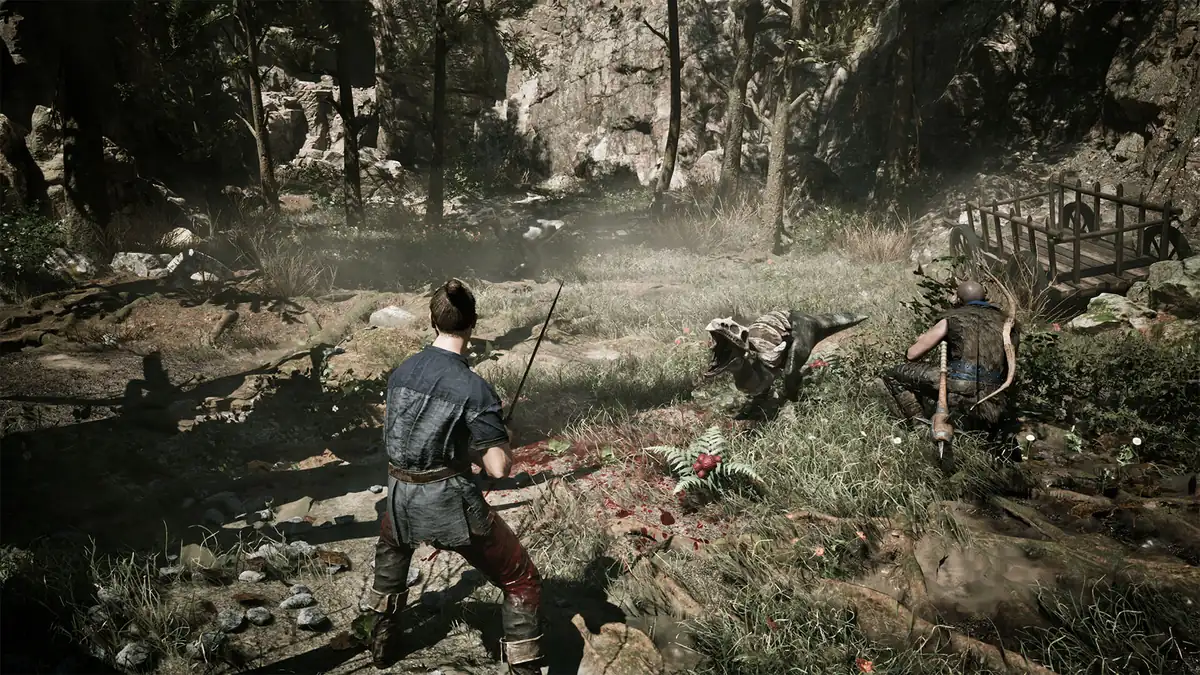
Official combat media used for play-style context. It does not prove that Xbox and PC expose the same graphics settings.
Xbox Series X|S
A managed console route for players who already live in the Xbox ecosystem and want a simple install.
PC
The flexible route for settings, hardware scaling, files and the community mod workflow described on the mods page.
PS5
A console alternative with documented DualSense effects and a separate regional store page to inspect.
store and updates
Use the official Xbox store, demo and patch path
The official game site links to Xbox through `thqn.net/G1R-Xbox`; the verified Xbox Demo page is a separate official listing. Use those first-party routes instead of a mirror, crack or repack. This site does not host installers, and there is no safe reason to trade an account-secured store purchase for an unverified file.
The Gothic 1 Remake demo guide explains how the Nyras Prologue fits alongside the full game and where the platform-specific demo links lead. The demo is useful for controller comfort and display checks, but it is not a promise that every full-game scene has identical performance.
For updates, use the normal Xbox delivery channel and compare problem reports with the current patch notes. A screenshot of a menu or an old video can be useful context, but it is not a current build number.
Editorial concept illustration for this guide, not an official Xbox interface or gameplay screenshot. The actual evidence remains in the linked first-party pages and visible text.before you start
A practical Xbox checklist for the first hour
After installation, treat the Xbox version like Gothic rather than like a checklist-driven open world. Make more than one manual save, look at enemy spacing before a fight, and do not spend every learning point before you know which trainers and equipment support your plan. The beginner guide covers the habits that protect a first run.
Keep the console convenience, but do not let it create false confidence. Quick Resume, a large television and a controller do not make a dangerous route safe. If a creature defeats you immediately, mark the location and return after a better weapon, skill or faction decision instead of forcing a reload loop.
Finally, choose the platform that you can maintain. A current official store page, a working update channel and a display you enjoy are more valuable than a speculative specification copied from an undated post.
Review the site's safe-store policy before following any download-related search result.
xbox faq
Gothic 1 Remake Xbox FAQ
Is Gothic 1 Remake available on Xbox Series X|S?
Yes. THQ Nordic's launch announcement lists Xbox Series X|S, and the official Gothic site provides an Xbox purchase route. Use the regional store page for the current edition and price.
Can I play Gothic 1 Remake on Xbox One?
The first-party announcement checked for this guide specifically names Xbox Series X|S. Do not assume Xbox One support unless the current Microsoft listing for your account explicitly shows it.
Is Gothic 1 Remake 60 fps on Xbox?
The public first-party sources checked here do not state a universal 60 fps target. Check recent Xbox footage, in-game display options and patch notes instead of relying on an uncited number.
Is Gothic 1 Remake included with Xbox Game Pass?
The sources checked for this guide do not establish ongoing Game Pass availability. Search the current Xbox store or Game Pass catalogue in your region before assuming it is included.
Does Gothic 1 Remake support Smart Delivery or cross-save?
No Smart Delivery or cross-save promise was visible in the checked sources. Treat both as unconfirmed until the current product page or a dated first-party announcement states them.
Is there a Gothic 1 Remake Xbox demo?
An official Xbox Demo listing exists, but regional availability and the install button can change. Open the official demo page, confirm it is visible in your account region and use it to test controller and display comfort.
Can I install PC mods on the Xbox version?
Do not assume PC file mods work on Xbox. Use official updates and only platform-supported add-ons; the site's PC mods guide does not turn console file access into a supported feature.
first-party sources
Sources checked for the Xbox guide
These links support platform availability and store context. They do not replace the regional product page for price or service availability.