Gothic 1 Remake Achievements: 42 Steam Unlocks and Fixes
Steam lists 42 achievements for Gothic 1 Remake. This guide separates that verified platform fact from community guesses, then gives you a repeatable way to diagnose Gothic 1 Remake achievements not working without throwing away a good save or trusting an old forum post.
Official Gothic 1 Remake key art used for context; it is not an achievement screen or a complete unlock list.quick answer
How many Gothic 1 Remake achievements are there?
The Steam app page and Steam appdetails response for app 1297900 list 42 total achievements. Steam also marks the game with Steam Achievements, save-anytime support and Steam Cloud. Those are the strongest public facts to use when you are checking whether an achievement should exist on your PC copy.
The number is not the same thing as a spoiler-free checklist. Steam may hide story or faction achievements, and an icon or title does not explain the exact trigger. A community list can be useful as a lead, but it should not override the current Steam client, the game's own feedback, or an official patch note. This page therefore explains the evidence boundary instead of inventing unlock conditions.
If an achievement did not pop, start with the low-risk checks: confirm that you are using the correct Steam account and app, stay online long enough for the client to sync, make sure the current build has finished updating, and test one repeatable action from a separate save. The result is easier to trust when you change one variable at a time.
verified platform facts
What Steam confirms for Gothic 1 Remake
These rows come from the official Steam listing and appdetails response checked on October 30, 2026. They define what this guide can state confidently.
Question
Verified answer
Why it matters
How many achievements?
42 total achievements are listed for Steam app 1297900.
Use this count as the baseline instead of an old guide's partial list.
Does the PC version support Steam Achievements?
Yes. Steam lists the Steam Achievements feature.
The troubleshooting steps below apply to the Steam client and PC copy.
Can saves be made during a run?
Steam lists Save Anytime for the game.
Keep a separate test save before repeating a story, faction or combat trigger.
Is Steam Cloud listed?
Yes, Steam lists Steam Cloud.
Cloud sync can delay or complicate the moment a client-side unlock appears.
Are exact unlock conditions confirmed here?
Not from the count alone; hidden entries and patch changes need current verification.
Do not turn a community guess into an official requirement.
evidence first
What the 42-achievement count does and does not tell you
The Steam API is useful because it gives a machine-readable total and the current public achievement metadata for the app. It does not explain every trigger in a way that a new player can follow. A highlighted icon can identify a theme, but it cannot prove whether an achievement is tied to a chapter, a faction, a combat action, a collectible, or a missable dialogue choice.
Treat the number as a catalog boundary. If a third-party page claims 50 Gothic 1 Remake achievements, check whether it mixes a demo, another Gothic game, a console trophy list, or a future update. If it lists fewer than 42, it may be incomplete or intentionally spoiler-light. The official Steam page is the right place to confirm that the feature exists; a guide is the right place to explain a safe way to investigate it.
This distinction also protects your save. A player chasing an unverified trigger may reload too early, skip a faction conversation, or alter a build before knowing what mattered. Use the site's side-quest guide and faction guide for route planning, then return here when the Steam client is the part that appears to be failing.
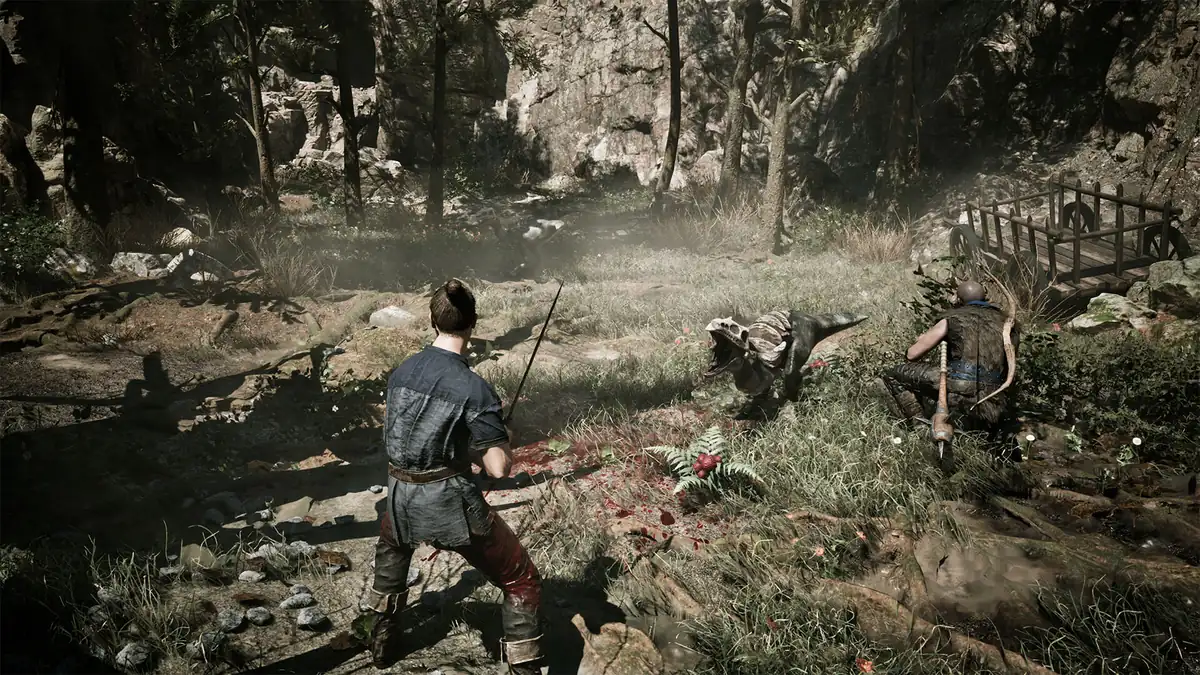
Official gameplay media shows the kind of repeatable encounter that can help isolate a test; it does not prove an individual achievement trigger.
Verified
Steam feature support, the app identity and the public total of 42 achievements.
Needs a current check
Exact hidden-achievement wording, chapter timing and whether a patch changed a trigger.
Do not assume
A console trophy term, a demo behavior or a guide for the original Gothic is the remake's Steam rule.
achievements not working
A safe checklist when a Gothic 1 Remake achievement does not unlock
Work through the checks in order and record what you changed. The goal is not to force a pop with an unverified command; it is to find out whether the issue is account state, client state, game version, save context, or an achievement condition that was never met. Keeping those causes separate makes a support report useful and reduces the risk of corrupting a working run.
Steam achievements are client-facing. A delayed icon can appear after the game closes, after the overlay reconnects, or after cloud data finishes syncing. That delay is different from a trigger that never fired. Give the client time, then repeat one low-risk action from a clean test save before changing several settings at once.
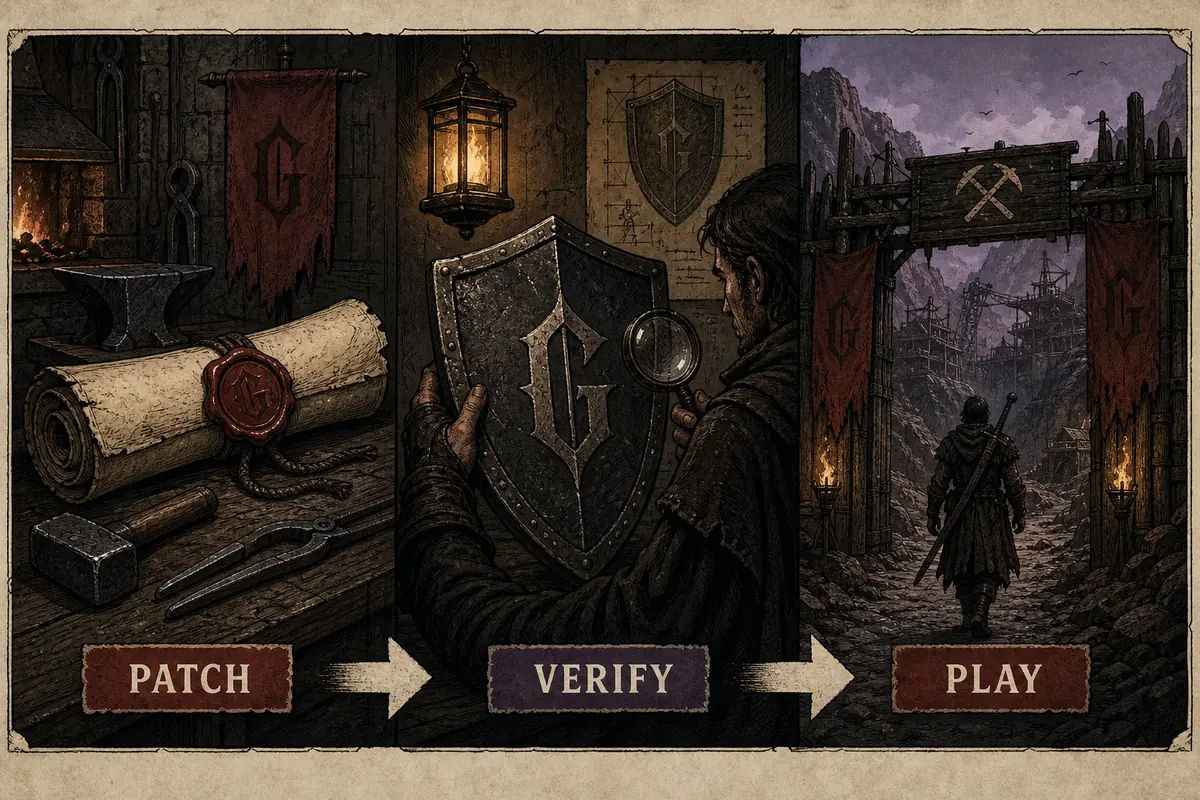
Editorial checklist illustration for this guide, not a real game UI or an official achievement screen.
1
Confirm the app
Open the Steam page for app 1297900 and launch the same PC installation that owns the game. Do not compare a demo or a different Gothic title.
2
Check the client state
Stay online, sign into the intended account, open the Steam overlay once, and wait for any pending download or cloud sync to finish.
3
Finish the current update
Use the official store and patch channel to confirm the build is current. Read the patch notes before relying on an older achievement report.
4
Protect a test save
Create a separate manual save before repeating the action. Keep the original slot unchanged in case the trigger depends on an earlier choice.
5
Repeat one condition
Use the same location, quest state, character build and action. Change only one variable so you can tell what helped.
6
Close and resync
If the action succeeds but the badge is delayed, leave the game normally, let Steam sync, then check the achievement panel again.
story and factions
Plan missable-looking achievements without spoiling the whole game
A 42-entry catalog can contain achievements connected to story progress, camps, combat, exploration or optional tasks. You do not need to read every hidden name before starting. A spoiler-light plan is safer: keep rotating saves, note the name of an NPC or camp before making a permanent decision, and finish low-risk errands before you join a faction if you want to preserve options.
The side-quests guide focuses on return points and missable-risk habits, while the walkthrough keeps route information organized. Neither page pretends to publish unverified achievement triggers. Use them to protect your run, not to force an outcome that Steam has not documented.
If you prefer a completionist run, keep a short log with the achievement title as Steam shows it, the platform, your game version, the save slot and the action that should have triggered it. That log is more valuable than a copied list because it lets you compare a current patch with a report from an older build.
Before a faction choice
Create a fresh slot and finish optional errands you can safely return to later.
Before a risky quest
Record the current chapter, camp and NPC state so a failed test does not erase your main route.
Before a guide claim
Check whether the title belongs to the remake and whether the report names the platform and build.
patch-aware troubleshooting
When a patch changes the answer, recheck the source
Achievement behavior can be version-sensitive even when the total count stays the same. A patch may fix a trigger, alter a quest state, change a save migration rule, or update the public name. That is why this page records the check date and links to the site's patch notes guide instead of treating a launch-week post as permanent evidence.
Use a simple report format: achievement title as displayed by Steam, app ID, platform, game version, save context, exact action, whether the overlay was open, and whether the client was online. Avoid claiming that an achievement is broken when the evidence only shows that one attempt did not unlock it. A careful report can be retested after an update.
The same discipline applies to performance problems. A stutter can make a timing-based action look like a failed trigger, while a client sync delay can look like a game bug. Check the performance guide when frame pacing is involved, then return to this page once the game is running consistently.
1
Record the version
Write down the patch or build shown by the launcher or platform before testing.
2
Use first-party notes
Compare the report with the official Gothic site, Steam listing and current patch notes.
3
Retest after updating
Repeat the same controlled action after the patch while keeping the test save and other variables stable.
4
Share reproducible details
Report the exact condition and platform instead of a broad claim that all achievements are broken.
platform boundary
Steam achievements are not the same as console trophies
This page targets the Steam achievement intent because the verified count comes from Steam app 1297900. Console platforms may use different terminology, lists, synchronization rules or release timing. Do not assume that a Steam achievement title maps one-to-one to a PlayStation trophy or Xbox achievement without checking that platform's official listing.
If you are playing on console, use the relevant store page and the console's own achievement panel as the source of truth. The game guides on this site still help with saves, quests, factions and combat, but the client troubleshooting steps above are specifically for Steam. Keeping the platform boundary visible prevents a useful Steam fix from being misapplied to another version.
For PC buying and ownership questions, the Steam guide explains the official store path. For release and platform context, use the release-date guide. Those pages are supporting links, not alternate achievement lists.
Steam
Use app 1297900, the Steam overlay, the Steam achievement panel and cloud-sync status.
PlayStation
Check the official PlayStation listing and trophy panel for the current console-specific list.
Xbox
Check the official Xbox listing and achievement panel; do not copy Steam wording as a guarantee.
Track chapter order and spoiler-light route checkpoints.
achievement faq
Gothic 1 Remake Achievements FAQ
How many Steam achievements does Gothic 1 Remake have?
Steam's appdetails response for app 1297900 lists 42 total achievements. Recheck the official Steam page after an update because names and public metadata can change.
Why are my Gothic 1 Remake achievements not working?
Check the correct Steam account and app, stay online, open the overlay, finish pending updates and cloud sync, then repeat one condition from a separate save. Record the build before assuming the trigger is broken.
Are the Steam achievement names a complete walkthrough?
No. Steam provides the feature and public metadata, but a title or hidden icon does not document every condition. Use the side-quest, faction and walkthrough guides to protect route choices without treating guesses as official.
Do console trophies use the same list as Steam achievements?
Do not assume that. PlayStation and Xbox can use different names, lists and synchronization rules. Check the official platform listing and its own achievement or trophy panel.
Can reloading a save unlock a missed achievement?
It can help you repeat a controlled condition, but it is not a universal fix. Keep the main save safe, change one variable, and confirm that the action actually matches the current achievement condition.
Where should I check for an achievement patch fix?
Start with the official Gothic site, the Steam listing and current patch notes. Include the exact title, build, platform, save state and steps when reporting a reproducible issue.
first-party sources
Sources and evidence boundary
The following official pages were checked on October 30, 2026. Steam confirms the feature and total; the Gothic site supplies first-party game context. Neither source is replaced by a community guess.